Choosing nonprofit or church accounting software for your organization can be a stressful and tedious chore!
You are not looking for the best accounting software on the market. Instead...you are looking for the fund accounting software that best fits the needs of your particular organization.
Save 10% on every ebook, spreadsheet & package on this site
Use code FCA at checkout
Browse the full list from the Packages menu above.
Choosing Church Accounting Software:
Some questions to ask yourself in selecting your nonprofit or church accounting software:
- What is your budget for accounting software?
- How much does technical support and program updates cost for the software you are considering?
- Do you need accounting software specifically designed for nonprofits or churches or will a standard accounting package do?
- How user-friendly is the software?
- Do you need payroll capabilities? Will it integrate with your current or future payroll software?
- Will the software package require additional hardware?
- What are other users saying about the software you are considering?
- How easy will it be to train your current and future staff how to use?
Tips for choosing and setting up your accounting software: Changing Accounting Software
Keep in mind that what works for one organization may not work as well for another! Although it is good to check with other similar organizations on the software they use, every church and nonprofit is unique and what accounting software may work for your friend, Joe's church may not work as well for yours with more or less assets and liabilities.
So do your research, read other people's reviews, take advantage of free trials, but most importantly keep in mind that you want the best accounting software that will fit comfortably with your particular organization:)
The following church accounting software reviews are a quick summary of a few of the well-established accounting software companies.
They are not a recommendation as most of the software listed I have not personally used except for Aplos, QuickBooks Pro, and QuickBooks Online (QBO). I am relying on our considerate readers to give their feedback and comments on the church accounting software they personally use.
Church Windows and PowerChurch are 2 of the top church accounting software; however, they do require some training and are quite expensive for small churches that may not need such a robust software.
So I am emphasizing again to do your homework before you purchase any software for your church or nonprofit organization.
Managing bookkeeping for churches can present unique challenges. Apart from standard accounting procedures, there is the additional task of managing restricted funds alongside the overall financial records.
You might be facing a chart of accounts overloaded with numerous unnecessary accounts from past volunteers. On top of that, you've come across errors in your payroll entries. These ebooks on church bookkeeping are specifically designed to assist you in handling these issues effectively.
Description page for the ebooks and bonuses included in the Bookkeeping for Churches Package
Add to Cart Secure instant downloadChurch Accounting Software:
Aplos:
Aplos Software was made specifically for churches and nonprofits. You don't have to install anything because it is web-based, and it is easy to use. It utilizes fund accounting and you can track donations in it as well.
Note: FreeChurchAccounting readers can also enjoy a 30% discount for 12 months simply by entering FCA30FOR12 in the promo code box!
Aplos also integrates with Stripe. See more about it in this article: How to Accept Online Giving
QuickBooks®:
NOTE: Intuit is phasing out the desktop versions of Quickbooks!
QuickBooks Pro and Premier is an off-the-shelf accounting package. Although the price can be considerably lower than specialty church accounting software, there are some factors you need to be aware of such as its limitations.
It will track income and expenses; however, it is designed for for-profit business, so users have to develop ways to work around its fund accounting limitations. Its class tracking feature works well for tracking restricted and designated funds.
I believe it can be an affordable option for many churches. Especially with a wonderful resources like Lisa London's QuickBooks for Churches book! The book is written for beginner and advanced church bookkeepers alike, in a friendly and easy-to-understand style. It provides step-by-step instructions on how to set up or improve Quickbooks for your church. Note: FreeChurchAccounting readers can enjoy a 10% discount simply by entering "FCA" in the discount code box! She also has online classes that are awesome for setting up and using the desktop AND online versions of QuickBooks.
Quickbooks Online (QBO) is also a good option for churches and nonprofits. Even though my nonprofit and church accounting software of choice is Aplos, TechSoup's free offer (well almost free ...there is an annual admin fee) QBO or QB (desktop) is hard to beat. See more on TechSoup's offer.
I am a QBO Advanced Pro Adviser and specialize in setting up and training churches how to use QBO. I also offer monthly bookkeeping services in QBO. See more on my bookkeeping and payroll services here: Church Accounting Services
Since I do work with so many churches and nonprofits in QBO and have set up more churches than I can count in that online accounting software, I can give you a pretty extensive review of QBO on this page: QuickBooks for Churches
ChurchWindows®:
Church
Windows software tracks your church congregation,
its happenings and its giving. It handles the church
receipts and disbursements, its budget and its employee payroll. It
is a church software package that consists of a number of programs that
can be used alone or as a unit. The five modules currently include:
- Membership
- Scheduler
- Contribution
- Accounting
- Payroll
Note: Church Windows and PowerChurch are church accounting software that has been around a long time and is probably great software (I have never personally used it); however, please do your research. Read reviews (see comments below) and talk to "users" if possible. If you are a smaller church with volunteer staff, these robust software may not be your best option.
PowerChurch®:
PowerChurch organizes membership, contributions, accounting, events, and general record keeping, with one complete package. You can account for contributions, maintain payroll, track your budget and automate your accounts payable and receivable.
The Accounting system is not just for non-profit fund accounting use - it is specially designed for churches. A setup assistant walks you through the process of creating your chart of accounts and establishing beginning balances. The accounting section also includes accounts payable, accounts receivable and payroll modules.
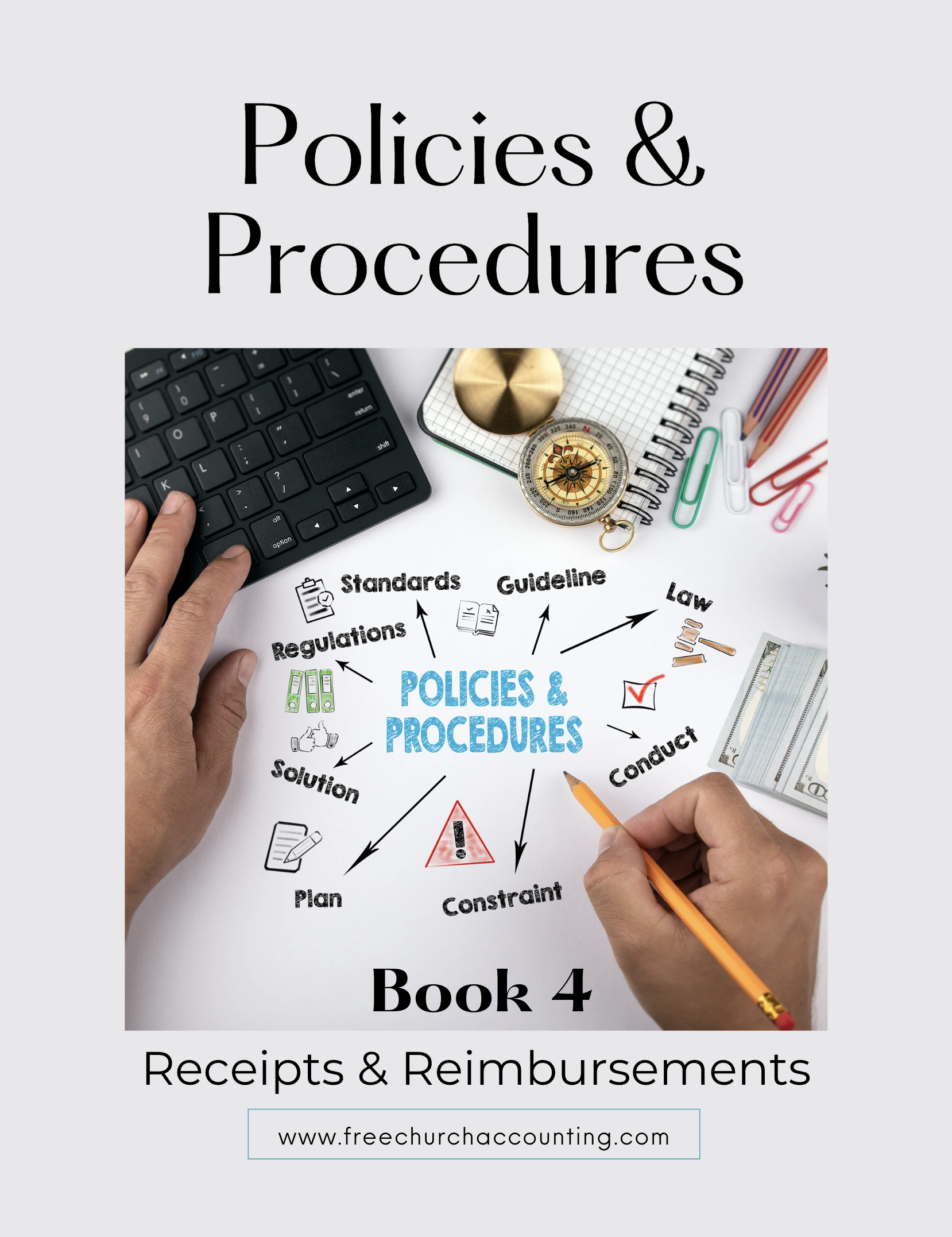
The Policies and Procedures Package includes an ebook on Receipts and Reimbursements that explores the management of receipts and supporting documents.
Additionally, it provides insights on establishing and managing an efficient accountable reimbursement policy.
Includes a sample of a resolution you can use to present to the board to set up and approve an accountable reimbursement plan.
.
This ebook is included in the Policies and Procedures Package. However, you can purchase it by itself for only $7.95 by clicking the ADD TO CART button below!
Add to Cart Secure instant download
The Receipts and Reimbursements ebook is also part of a larger "Policies and Procedures" Package" that is packed full of valuable information and for a limited time you can purchase all 5 ebooks and 8 policy templates for only $32.80
Add to Cart Secure instant downloadChurch Management Software:
Shepherdbase...
Shepherdbase (Church Membership Database) provides small to large churches with an affordable, easy solution to track: memberships (unlimited), groups, events, contributions, attendance and much more.
Shepherdbase has many great benefits and features such as the ability to generate reports within minutes ready to print for the Pastor after he calls requesting such reports as the Membership Directory (includes each member's address, phone, birthday, anniversary, etc.), Church Attendance Report, Events Report, Groups Report, Family Report, Contribution Statement, and Contribution Letters.
See more Shepherdbase information and Shepherdbase screen shots.
Donation Guidelines Package
A set of 4 ebook packages that covers many of the following topics...
- How to handle and receipt stock donations
- How to handle free rent and labor donations
- How to handle non-cash contributions
- What to do if you receive a DAF (donor advised fund) contribution or grant
- How to handle Quid Pro Quo donations and other fundraising income such as drawings and raffles
- Donation policies and procedures
- Much more - Click here for details
 Add to Cart Secure instant download
Donation Management and Online Giving Software
As I stated above, I use only 2 different accounting software for my clients: Aplos and QuickBooks. I know there are more "full bodied" church accounting software systems available...but those are the 2 accounting software that I am an expert in and they both work quite well for my clients =)
I love Aplos for tracking donors and their donations as well as their accounting ...BUT I don't like tracking donors/donations in QBO. It can be done...but not efficiently...so I use an "outside" donation management software with most of my QBO clients.
AND with the higher demand for online giving....I try to make sure the donation software will handle online giving AND let me put in offline giving as well.
See more on How to Accept Online Giving!
Again...I can only give you an honest review on what I have personally used ...so the 3 donation management and online giving software I like the best are...
Planning Center Giving...
I personally think this is the best and easiest to use for tracking online and offline donations and donors....BUT the monthly fee is based on the amount of donations...so it can get expensive for those with greater amounts of donations.
Let me start off by saying, Planning Center has a lot of different modules that you can use for such things as music, registration and check in services, event planning, etc., but I am only familiar with the "giving" module...so that is what I am reviewing.
Usually the set up is handled by my clients, but all of them have said that is was pretty easy and planning center's support was good.
As their accountant, I love the reporting capability of Planning Center Giving! It is the easiest software I have ever worked with as far as being able to log in and get reports for my clients online and physical (offline) donation breakdowns.
My clients also tell me their donors really like the "ease" of setting up and using the online giving.
Donors are issued an instant donor receipt when they give online, but generating contribution statements are also a snap in planning center.
Overall I think Planning Center is a great option for donation management...but it can get pricey...if you have a large number of online donations...so another option is...
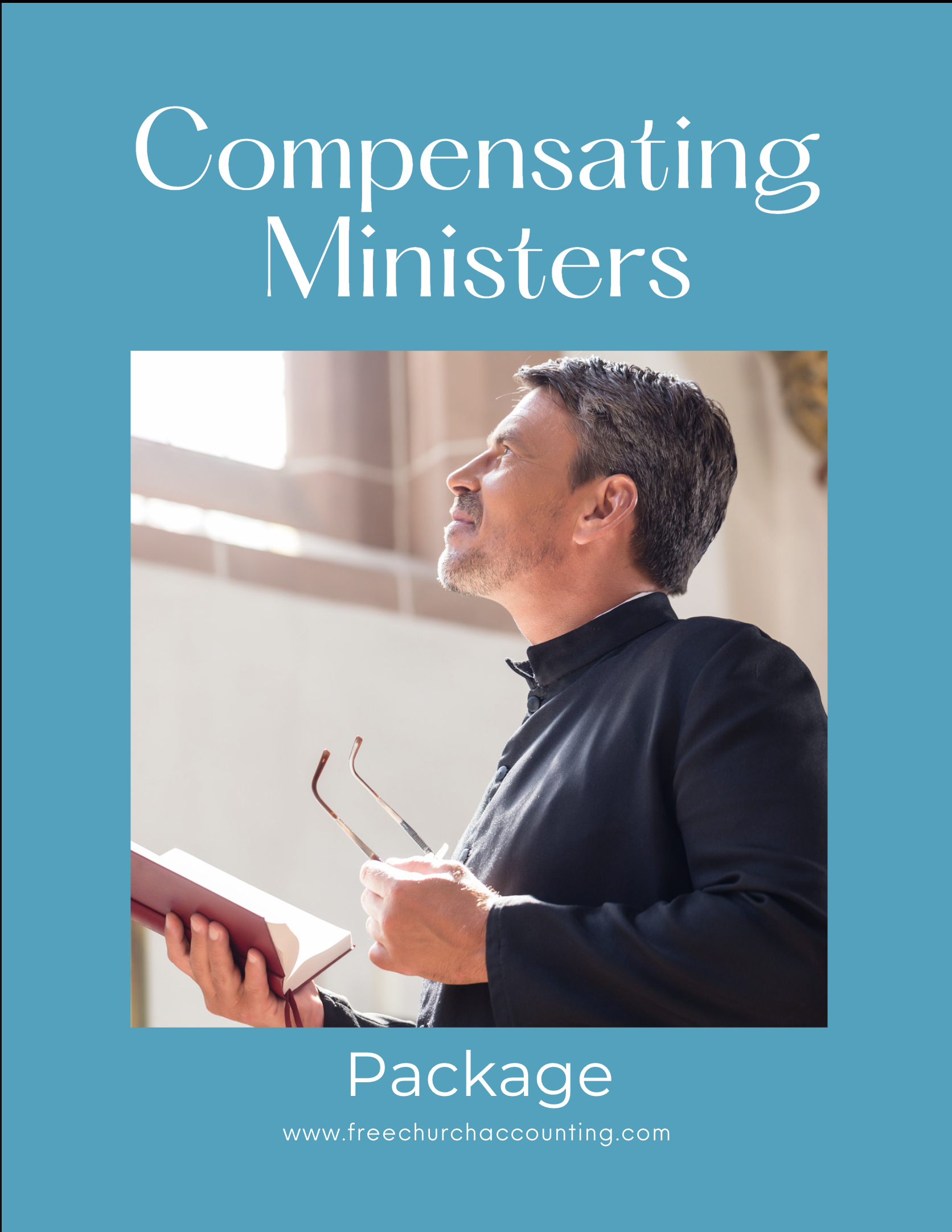
The Compensating Ministers Package includes three ebooks on how to compensate and pay your ministers; what minister benefits could potentially hurt the minister and the church; how to set up a housing allowance and report it; and how to handle ministers' gifts/love offerings. Also includes an example of a W-2 for a minister.
Additionally there is a sample of a resolution you can use to to set up and approve a housing allowance for your ministers; an estimate worksheet for the minister to use to help the church determine the amount of the housing allowance; and an example of a notification letter the church can use to inform the minister on the amount of housing allowance payments paid during a calendar year.
All 3 ebooks are only $18.55 PLUS you can use the discount code: FCA for an additional 10% off!
Add to Cart Secure instant downloadBreeze...
Breeze will track offline donations as will as processing and tracking online giving like Planning Center, but unlike Planning Center that has separate modules you can purchase individually and collectively....Breeze includes all of their church management features in one "package" with one simple flat rate of $50 per month.
Like Planning Center, you can use Breeze for organizing church events and check-in/registration, and like most church management software, you can also organize your donors into groups and have their contact information at the touch of a button.
As my client's accountant, I think the "fund designation and batch" reports are a little harder to pull up and use for splitting up deposits in QBO. Reconciling those reports with QBO can sometimes be a pain too, however...
my clients that use Breeze tell me that that the set up and use of the online giving is a snap.
Breeze states on their website that they are "focused more on small and mid-sized churches" and I do believe it can be a good option for church management and online/offline giving tracking for churches.
Breeze also has a comparison page to see the difference between them and Planning Center...but keep in mind that Breeze wrote it =) Planning Center Online vs Breeze
Note: there are lots more donation management solutions available such as Church Community Builders I reviewed in the Church Management section above, and I will be adding to these sections as I get the opportunities to try some of them out...but in the meantime...
do your due diligence!
Research Research Research!
And use free trials before purchasing =)
Church Accounting Software Comments
Please take a moment out to help a fellow church volunteer/staff by submitting a comment on the church accounting software you have used.
Please include approximately how many church members your church has for comparison sake. (Your church fund accounting software might be just right for your 300+ member church, but be a little too much for someone else's 30 member church.)
Please also include what you like or dislike about the software.
Would you recommend the software to another church administrator?
You can also ask questions about accounting software...again include approx numbers of church members.
The comments above are for general information purposes only and do not constitute legal or other professional advice on any subject matter. See full disclaimer.
Questions, Comments, and Reviews About Accounting Software
Do you have a question or comment regarding church accounting software? Share it!